
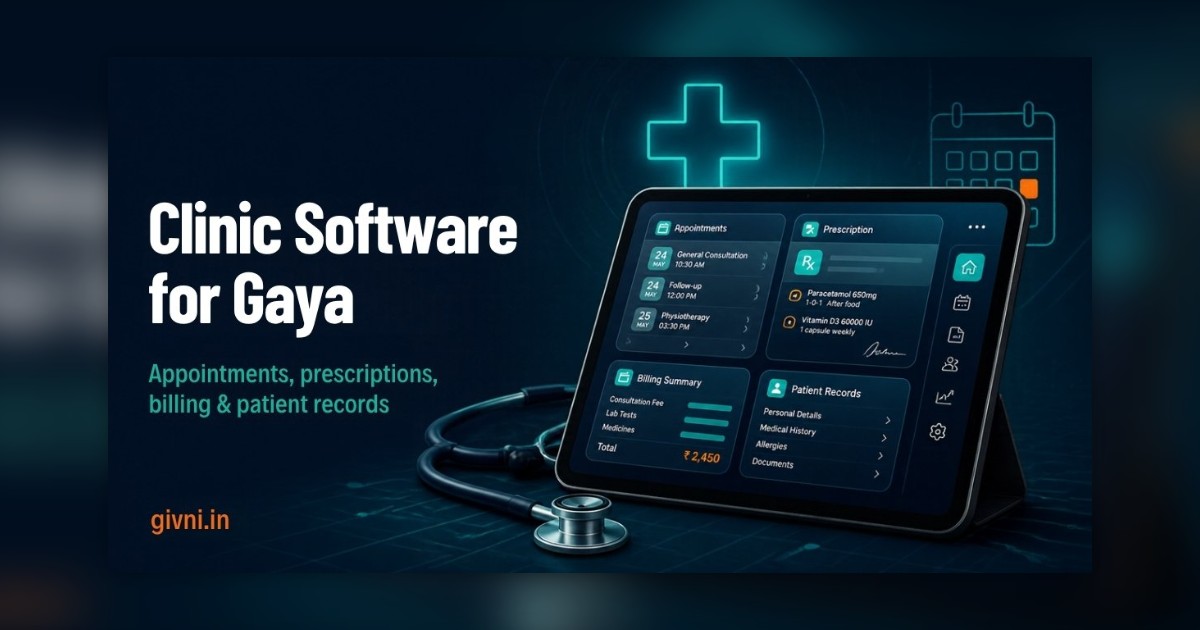
"How much will it cost?" is usually the first question a Gaya clinic owner asks about software, and it is the hardest one to answer honestly in a single number. The price of clinic management software in Gaya depends on a handful of factors that vary from one practice to the next. Instead of quoting figures that may not apply to you, this article explains what actually drives the cost, so you can read any quotation with confidence and avoid paying for things you do not need.
Gaya's healthcare scene is unusual. Alongside the regular local population and patients from surrounding districts, the city and nearby Bodh Gaya see a steady flow of pilgrims and tourists, including international visitors in the season. A clinic here may treat a farmer from Sherghati in the morning and a foreign visitor with a travel illness in the evening. That mix affects what your software needs to do, and therefore what it costs. Keep your own clinic's patient mix in mind as you read through the eight factors below.
Factor 1: Deployment Model – Cloud or Local
Cloud-based software runs on the vendor's servers and is usually paid as a recurring subscription. Local (on-premise) software is installed on your own computer or server, often with a larger upfront cost and separate maintenance. Cloud tends to suit small and mid-sized clinics because backups, updates and remote access are handled for you. Local installation can make sense where internet is unreliable, but you then take on responsibility for backups and hardware.
Factor 2: Number of Users and Doctors
Many vendors price by the number of logins, doctors or locations. A single-doctor chamber with one receptionist will pay far less than a polyclinic with six doctors, two billing counters and a lab. Before asking for a quote for clinic software in Gaya, count:
- Doctors, including visiting consultants
- Front-desk and billing staff
- Lab, pharmacy and nursing staff who need access
- Owners or managers who only view reports
Factor 3: Modules You Actually Need
Clinic software is typically sold in modules. The core usually covers appointments, patient registration, records, prescriptions and billing. Add-ons may include:
- Lab orders and report uploads
- Pharmacy and inventory with batch and expiry tracking
- Indoor patients and bed management for nursing homes
- SMS or WhatsApp appointment reminders
- Online booking pages
- Advanced analytics and multi-branch reporting
Each module adds cost. When budgeting for clinic management software in Gaya, the single biggest saving most clinics can make is to start with the core and add modules only when there is a clear need.
Factor 4: Messaging Volume
SMS and WhatsApp reminders are often charged by volume, separately from the software. A clinic that sends confirmations, reminders and follow-up messages to every patient will spend more than one that sends a single reminder. Ask whether messaging is bundled or billed separately, and estimate your monthly patient count to compare quotes fairly.
Factor 5: Customisation
Ready-made software configured for your clinic is usually cheaper than custom features built just for you. Configuration means setting your doctors, fees, letterhead and templates. Customisation means new screens or workflows. For a Gaya clinic serving pilgrims and tourists, useful customisations might include capturing a passport number or a local contact for foreign patients, or bilingual receipts. Decide which of these are genuine needs and which are nice to have.
Factor 6: Data Migration
Moving old records into the new system takes effort. Typing in years of paper files is expensive and rarely worth it. Importing an existing Excel sheet of patients is cheaper. Many clinics choose a middle path: import the basic patient list if one exists, then add history as patients return.
Factor 7: Training and Support
Training sessions, on-site visits, and the level of ongoing support all influence cost. A lower subscription with slow, email-only support can cost more in lost time than a slightly higher one with quick phone support. Ask what is included in the first month and afterwards, and whether training in Hindi is available for your staff.
Factor 8: Hardware and Connectivity
Software is only one part of the budget. You may also need a reliable computer at the front desk, a printer for prescriptions and receipts, a UPS for power cuts, a token display screen, and a stable internet connection with a mobile hotspot as backup. These are one-time or occasional costs, but they belong in your planning.
Hidden Costs to Ask About
- Charges for adding a new doctor or user mid-year
- Annual price revisions on subscriptions
- Fees for exporting your data if you leave
- Extra charges for future compliance updates, including general readiness for ABDM and ABHA health ID workflows
- Charges for report changes or new letterhead formats
Thinking About Value, Not Just Price
The right question is not only "what does it cost?" but "what does it save?". Clinics commonly report less time spent reconciling cash, fewer missed follow-ups once reminders are in place, faster prescriptions, and fewer lost reports. Patient records privacy also improves when access is controlled and backups are automatic. These benefits are hard to put a number on, but they are real.
Getting a Clear Quote for Clinic Management Software in Gaya
Givni provides hospital management software in Gaya for clinics, nursing homes and diagnostic centres, with a modular approach so you pay for what you use. When you request a quote from us or anyone else, share your doctor and staff count, the modules you need now, your approximate monthly patient volume and any special requirements such as foreign-patient details. With that information, any honest vendor can give you a clear, itemised proposal for clinic software in Gaya.
हिंदी में पढ़ें: गया में clinic software का ख़र्च किन बातों से बनता है
गया के क्लिनिक मालिक software के बारे में सबसे पहले यही पूछते हैं – "कितना ख़र्च आएगा?" सच यह है कि इसका एक जवाब नहीं हो सकता, क्योंकि clinic management software की क़ीमत कई बातों पर निर्भर करती है। इस लेख में हम rate नहीं बता रहे, बल्कि यह समझा रहे हैं कि ख़र्च किन चीज़ों से बनता है, ताकि आप हर quotation को ठीक से पढ़ सकें।
गया का मामला थोड़ा अलग है। यहाँ स्थानीय लोगों और आसपास के ज़िलों के मरीज़ों के साथ-साथ बोधगया आने वाले तीर्थयात्री और विदेशी पर्यटक भी आते हैं। सुबह किसी गाँव का किसान आता है, शाम को कोई विदेशी पर्यटक। यह mix भी तय करता है कि आपके software में क्या-क्या चाहिए।
पहली बात – cloud या local: Cloud software में आमतौर पर हर महीने या साल का subscription होता है, और backup व update vendor संभालता है। Local software आपके कंप्यूटर पर लगता है, इसमें शुरुआत में ज़्यादा ख़र्च और backup की ज़िम्मेदारी आपकी होती है।
दूसरी बात – कितने लोग इस्तेमाल करेंगे: कई कंपनियाँ डॉक्टरों, logins या branches की गिनती से पैसे लेती हैं। Quote माँगने से पहले गिन लीजिए कि कितने डॉक्टर, रिसेप्शन, billing, lab और pharmacy स्टाफ़ होंगे।
तीसरी बात – modules: appointment, record, prescription और billing आमतौर पर मुख्य हिस्सा है। Lab, pharmacy, indoor मरीज़, reminders, online booking – ये अलग से जुड़ते हैं। सबसे बड़ी बचत यही है कि शुरुआत सिर्फ़ ज़रूरी modules से कीजिए।
चौथी बात – SMS और WhatsApp: reminders का ख़र्च अक्सर अलग होता है और message की गिनती पर चलता है। पूछिए कि यह शामिल है या अलग।
पाँचवीं बात – customisation और पुराना data: तैयार software को अपने हिसाब से set करना सस्ता है, नए screen बनवाना महँगा। विदेशी मरीज़ों के लिए passport नंबर जैसी चीज़ें सच में ज़रूरी हैं या नहीं, सोचिए। पुरानी फ़ाइलें पूरी type कराने की बजाय धीरे-धीरे record बनाना समझदारी है।
छठी बात – training, support और hardware: सस्ता plan अगर सिर्फ़ email support दे, तो समय बर्बाद होता है। कंप्यूटर, printer, UPS, token screen और internet का ख़र्च भी जोड़िए।
छिपे ख़र्च भी पूछिए – नया user जोड़ने का charge, हर साल rate बढ़ना, data निकालने की fees, और ABDM-ABHA जैसे updates का ख़र्च। आख़िर में सिर्फ़ क़ीमत नहीं, फ़ायदा भी देखिए – हिसाब में कम समय, कम छूटे follow-up, और सुरक्षित records। Givni गया के क्लिनिक को modular software देता है, ताकि आप सिर्फ़ उसी चीज़ के पैसे दें जो आप इस्तेमाल करते हैं।
Frequently Asked Questions
Why do clinic software quotes vary so much?
Quotes differ because of deployment model, user count, modules, messaging, customisation, migration and support levels. Comparing the same scope across vendors makes quotes easier to understand.
Is cloud software always cheaper?
Not always over the long term, but it usually has lower upfront cost and includes backups and updates. Local software may suit clinics with very unreliable internet.
Can we handle foreign patients' details in the software?
Many systems allow custom fields, so you can record details such as a passport number or local contact if your clinic needs them.
How do we avoid paying for unused features?
Start with core modules, review usage after a few months, and add only what your team will genuinely use.
If you would like a walkthrough built around your own clinic, contact Givni on +91 98359 42411 / +91 94304 55055 or at givniinfo@gmail.com. Our team works Monday to Saturday, 9:30 am to 6:30 pm.
