
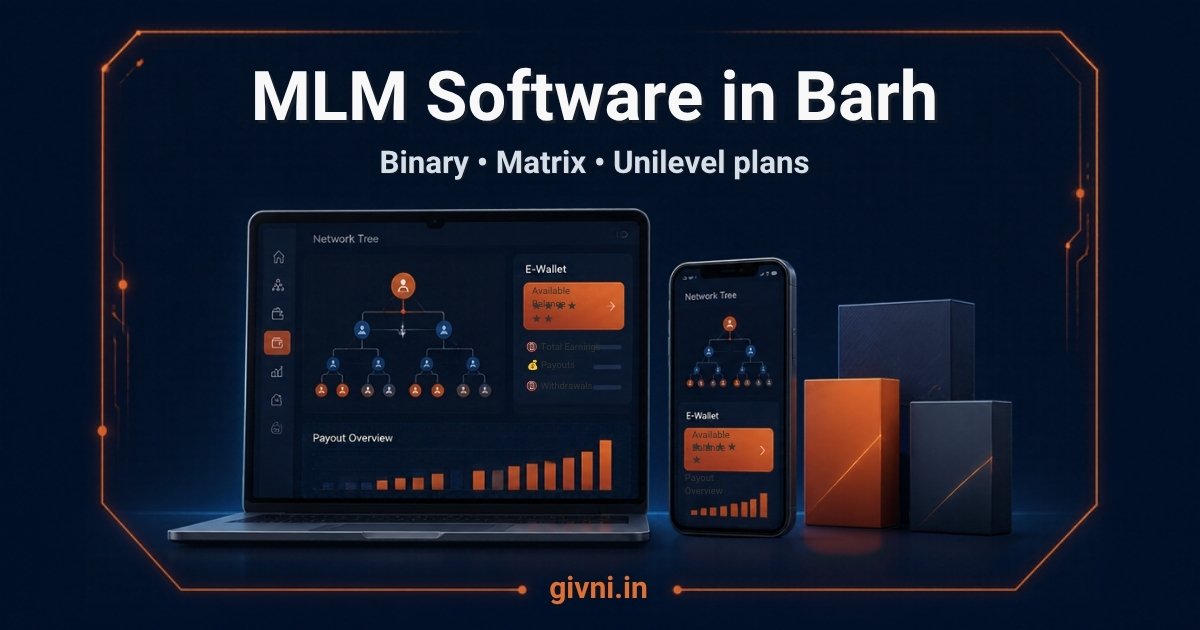
Barh, on the south bank of the Ganga in Patna district, is home to the NTPC Barh power station and a busy local market serving the surrounding villages. Many small direct-selling businesses in towns like this begin with notebooks and Excel sheets, then outgrow them as the number of distributors and orders rises. Formulas break, sponsor links get mixed up and month-end payouts take days. Moving to proper MLM software in Barh solves these problems, but only if the migration is planned carefully.
The same steps apply if you are moving from an older system that no longer meets your needs.
Step-by-step migration to MLM software in Barh
Step 1: Collect everything in one place
Gather every sheet, register and export you have: distributor list, sponsor and placement details, product list, order history, wallet or pending commission balances, payout history and KYC records. Note which file is the latest version of each.
Step 2: Clean the data
- Remove duplicate distributors, such as the same mobile number entered twice.
- Fix missing sponsor IDs and placements that point to people who do not exist.
- Standardise names, phone numbers and PIN codes.
- Mark incomplete KYC clearly rather than guessing.
Cleaning usually takes longer than expected, so start early and involve the person who has maintained the sheets.
Step 3: Map the tree
The genealogy must be imported in the right order: sponsors before the people they sponsored. For binary plans, left and right placement must be exact. After import, the vendor should run a check that every member has a valid sponsor and that no position is filled twice.
Step 4: Agree opening balances
Decide a cut-off date. Up to that date, calculate pending commission, wallet balance and carry-forward volume for each distributor using your old method, and get them reviewed by your accountant. These become opening balances in the new system. Keep the signed-off sheet as a permanent record.
Step 5: Set up products and plan rules
Enter products with MRP, BV and GST rate, and configure the compensation plan exactly as your approved plan document describes. This is a good moment to check the plan with your lawyer or CA, especially if it grew informally.
Step 6: Run in parallel for one cycle
For one payout cycle, calculate commissions in both the old sheets and the new software. Compare results distributor by distributor. Investigate every difference: it may be a sheet error, a data error or a rule that needs adjusting.
Step 7: Communicate with distributors
Tell distributors the switch-over date, how to log in, what will look different and whom to contact for help. Short Hindi instructions, a helpline number and a few training sessions reduce confusion.
Step 8: Go live and freeze the old sheets
After a successful parallel run, go live. Make the old files read-only and store them safely. From now on, all new orders, KYC and payouts happen only in the software.
Common migration problems and fixes
- Distributors disputing balances: share their opening balance statement and the cut-off date in advance.
- Missing KYC: allow login but hold payouts until KYC is updated.
- Staff resistance: train the team before launch and keep a short guide at each desk.
A note on timing
Avoid switching systems in the busiest weeks of the year, such as festival seasons, when order volumes and support calls peak. A quieter month gives your team room to handle questions and fix small issues calmly.
Givni, with offices in Patna (Khajpura), Kolkata and Noida, designs and configures MLM software in Barh for product-based direct-selling companies, along with websites, mobile apps, CRM and billing software. We set up your approved plan, products and reports.
Because our registered office is in Patna, our team understands how businesses in smaller Bihar towns work: many distributors use basic Android phones, prefer Hindi screens, and value quick answers on the phone. We keep that in mind while setting up panels, reports and training, so the system stays simple for your staff and distributors.
Compliance first: software for legal direct selling only
This guide is about legal, product-based direct selling. In India, direct selling is governed by the Consumer Protection (Direct Selling) Rules, 2021, and pyramid and money circulation schemes are banned, including under the Prize Chits and Money Circulation Schemes (Banning) Act, 1978. Before launch, make sure your business has:
- Genuine products at fair prices, with income coming from real product sales.
- No income from joining fees alone, and no reward simply for recruiting.
- A transparent, written compensation plan that distributors can read before joining.
- A cooling-off period, returns and refund policy.
- KYC of every direct seller before payouts.
- A grievance redressal mechanism with a named contact.
- Proper records, GST invoicing and TDS on payouts.
This is general information, not legal advice. Please consult a qualified lawyer or Chartered Accountant before finalising your plan.
हिंदी में पढ़ें: Excel से MLM सॉफ्टवेयर पर जाने का आसान तरीक़ा
बाढ़ और आसपास के कस्बों में कई छोटे डायरेक्ट सेलिंग बिज़नेस रजिस्टर और Excel शीट से शुरू होते हैं। शुरुआत में यह ठीक चलता है, लेकिन जैसे-जैसे डिस्ट्रीब्यूटर और ऑर्डर बढ़ते हैं, फ़ॉर्मूले टूटने लगते हैं, स्पॉन्सर की जानकारी गड़बड़ हो जाती है और महीने के अंत में पेआउट बनाने में कई दिन लग जाते हैं। सही MLM सॉफ्टवेयर इस परेशानी को दूर करता है, बशर्ते डेटा का स्थानांतरण सोच-समझकर किया जाए।
इसके मुख्य चरण इस तरह हैं:
- सारा डेटा इकट्ठा करें: डिस्ट्रीब्यूटर सूची, स्पॉन्सर और प्लेसमेंट, प्रोडक्ट, ऑर्डर, बकाया कमीशन, पेआउट और KYC का रिकॉर्ड एक जगह लाएँ।
- डेटा साफ़ करें: दोहराए गए नाम हटाएँ, ग़ायब स्पॉन्सर ID ठीक करें, मोबाइल नंबर और पते एक जैसे फ़ॉर्मेट में लिखें।
- ट्री सही क्रम में डालें: पहले स्पॉन्सर, फिर उनके नीचे के लोग। बाइनरी प्लान में बायाँ और दायाँ पैर बिल्कुल सही होना चाहिए।
- ओपनिंग बैलेंस तय करें: एक कट-ऑफ़ तारीख़ चुनें, उस दिन तक का बकाया कमीशन और वॉलेट बैलेंस निकालें, और अपने CA से जाँच करवाएँ।
- प्रोडक्ट और प्लान सेट करें: MRP, BV और GST दर के साथ प्रोडक्ट डालें और प्लान को लिखित दस्तावेज़ के अनुसार सेट करें।
- एक साइकिल साथ-साथ चलाएँ: एक पेआउट साइकिल पुरानी शीट और नए सॉफ्टवेयर दोनों में गिनें और हर अंतर की वजह खोजें।
- डिस्ट्रीब्यूटरों को बताएँ: कब से नया सिस्टम चलेगा, लॉगिन कैसे करना है और मदद के लिए किससे बात करनी है – यह सब हिंदी में आसान निर्देशों के साथ बताएँ।
- लाइव जाएँ: पुरानी फ़ाइलें सिर्फ़ पढ़ने के लिए सुरक्षित रख दें और आगे का सारा काम सॉफ्टवेयर में ही करें।
स्थानांतरण का समय अपने प्लान की क़ानूनी जाँच करवाने का भी अच्छा मौक़ा है। कई बार छोटे बिज़नेस में प्लान बिना लिखित नियमों के बढ़ता जाता है। भारत में डायरेक्ट सेलिंग उपभोक्ता संरक्षण (डायरेक्ट सेलिंग) नियम, 2021 के तहत आती है, और पिरामिड या मनी सर्कुलेशन स्कीम पर रोक है। असली प्रोडक्ट, पारदर्शी कमीशन, रिटर्न नीति और शिकायत निवारण की व्यवस्था पक्की करें, और किसी वकील या CA से सलाह लें। Givni डेटा साफ़ करने से लेकर समानांतर जाँच तक आपकी टीम के साथ मिलकर काम करता है।
Frequently asked questions
How long does a migration from Excel usually take?
It depends mainly on how clean your data is. Small, tidy datasets move quickly; messy sheets need more cleaning time. Givni can review your files and give a realistic plan.
Will distributors lose their pending commission?
They should not. Pending amounts are calculated up to a cut-off date, checked by your accountant and entered as opening balances in the new system.
Why run old and new systems in parallel?
A parallel cycle lets you compare results distributor by distributor and fix any data or rule differences before the new system becomes the only record.
Can you migrate from another MLM software, not just Excel?
Yes. If the old system can export data, the same cleaning, mapping and balance checks apply. Givni can assess the export files first.
Talk to Givni about your project in Barh
If you are planning a legal, product-based direct-selling business in Barh, Givni can walk you through a demo and discuss your requirements. Call +91 98359 42411 or +91 94304 55055, email givniinfo@gmail.com, or send your details through our contact page.
