
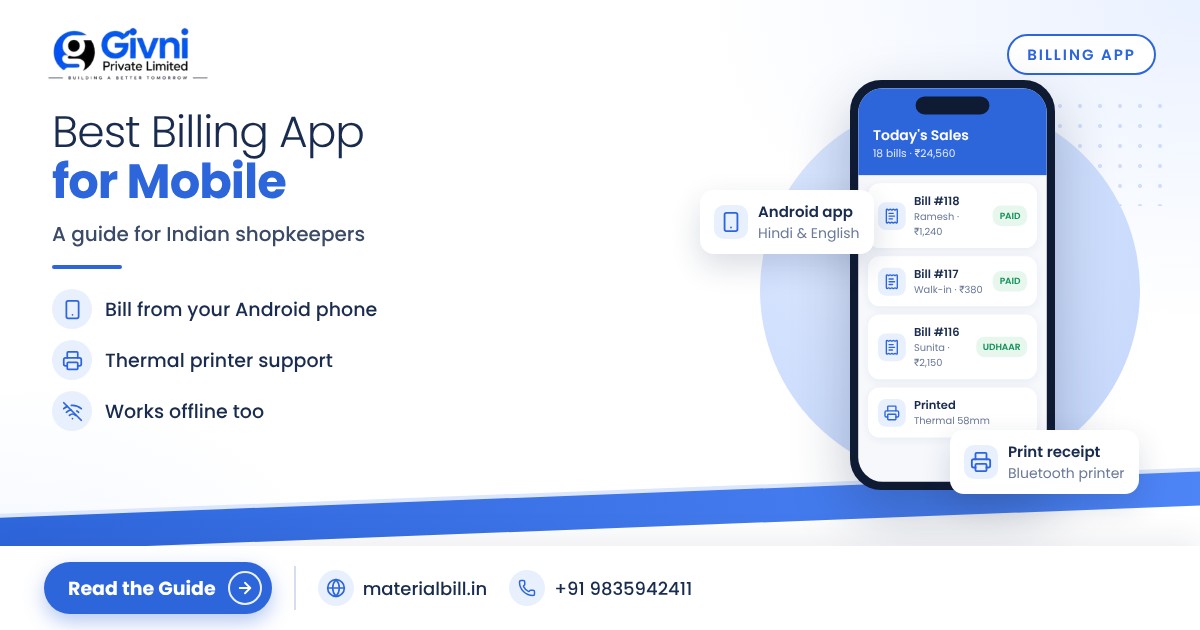
Walk into almost any dukaan in India today and you will see the same thing: the shopkeeper's phone is never far from the counter. Customers pay by UPI on it, suppliers send rate lists on WhatsApp, and orders come in by call. So it makes sense that the bill should be made on the phone too. A good billing app lets you create a proper bill in seconds, share it on WhatsApp, track udhaar and keep an eye on stock, without buying a computer.
But there are dozens of billing apps for Android, and they are not all built for the way Indian shops work. This guide explains what to look for in the best billing app for mobile, how making a bill on your phone actually works, and why WhatsApp sharing has become a must-have feature.
Why shopkeepers are moving to a billing app on mobile
- No extra hardware: an Android phone you already own is enough to start. A small Bluetooth thermal printer is optional.
- Bills reach customers instantly: no paper to lose; the customer gets a PDF on WhatsApp.
- Everything in one place: sales, udhaar, stock and reports are on the same phone you carry everywhere.
- Fewer calculation mistakes: totals, discounts and GST are worked out automatically.
- Records do not fade or tear: unlike a carbon bill book, data in a cloud app is backed up.
What to look for in the best billing app for Android
1. Fast bill creation
At a busy counter, every second matters. Look for quick product search, saved customers, and barcode scanning using the phone camera or a scanner. Try making a five-item bill; if it takes more than a minute, the app will slow you down.
2. GST support (if you are registered)
A GST-registered shop needs tax invoices showing GSTIN, HSN codes, taxable value and the CGST/SGST or IGST split. Composition dealers need a bill of supply. If you are not registered yet, the app should still let you make simple bills and switch to GST later.
3. WhatsApp, SMS and PDF sharing
The bill should go to the customer's WhatsApp in one tap, as a clean PDF with your shop name and details.
4. Udhaar and payment tracking
Credit sales are a fact of life for kirana, hardware and building material shops. The app should show who owes you money, how much, and since when, and help you send reminders.
5. Stock tracking
Every bill should reduce stock automatically. Low-stock alerts help you reorder before you run out of fast-moving items.
6. Printing
Some customers still want a printed bill. Check whether the app supports thermal printers, and test with your printer before you rely on it.
7. Backup, sync and offline mode
Phones get lost, dropped and replaced. Cloud backup protects your data. Multi-device sync lets you check the same account on a tablet or computer. Offline mode lets you keep billing when the internet is weak.
8. Language
If you or your staff prefer Hindi, an app with a Hindi interface reduces mistakes and training time.
9. Honest pricing
A free plan you can actually use, with clear upgrade prices, is better than a trial that locks your data after two weeks.
How to make a bill on your phone: step by step
The exact screens vary between apps, but the flow for making a bill on a mobile billing app is usually the same.
- Install and sign up. Download the app from the Play Store and register with your mobile number.
- Add business details. Enter your shop name, address, phone and GSTIN (if registered). These appear on every bill.
- Add products. Enter item names, selling price, unit, GST rate and HSN code. If you already have a list in Excel, import it instead of typing.
- Add customers. Save regular customers with name and phone. For B2B customers, add their GSTIN and state.
- Create a new bill. Choose the customer, add items by search or barcode, enter quantity and any discount.
- Check the totals. The app calculates taxable value, GST and the final amount. Confirm the payment mode: cash, UPI or credit (udhaar).
- Save and share. Tap share to send the bill on WhatsApp or SMS, or print it on a thermal printer.
- Review at day end. Open the daily sales report to see total sales, collections and pending dues.
WhatsApp sharing: more than a convenience
WhatsApp has become the default way Indian customers and shopkeepers talk to each other, so sharing bills there has real benefits:
- Proof of sale: both you and the customer have a dated digital copy, which reduces disputes later.
- Faster payments: a bill and a polite reminder on WhatsApp often get credit customers to pay sooner than a phone call.
- Less paper: fewer bill books to buy and store.
- A professional image: a neat PDF with your shop name looks more trustworthy than a handwritten slip.
Always share bills only with the customer's own number, and keep the tone of reminders polite. A good billing app makes reminders a one-tap job so you do not have to type each message.
Quick comparison: bill book vs billing app
| Task | Paper bill book | Billing app |
|---|---|---|
| Making a bill | Write by hand, calculate manually | Pick items, totals and GST calculated |
| Sending a copy | Carbon copy or photo | PDF on WhatsApp, SMS or email |
| Tracking udhaar | Separate khata notebook | Automatic dues list with reminders |
| Stock | Physical count | Updated with every bill |
| Month-end GST data | Total every bill by hand | Ready-made reports for your CA |
MaterialBill: a billing app built for Indian shops
The MaterialBill billing app is made by Givni Private Limited, with offices in Patna and Kolkata. It is available as an Android app on Google Play and as cloud software you can open in a browser on a PC, with your data synced between them.
Against the checklist above, here is what it offers:
- GST invoices with CGST, SGST and IGST calculated automatically, and bill of supply for composition dealers.
- Bills shared on WhatsApp, SMS, email or as a PDF, and printed on a thermal printer.
- Barcode billing, real-time stock and low-stock alerts.
- Udhaar khata with payment reminders on WhatsApp and SMS; there is also a dedicated khata book app page explaining this.
- Daily and monthly sales, profit margin and GST reports, exportable to Excel or CSV.
- Cloud backup, offline mode, and Hindi and English.
It is used across 70+ industries; kirana owners can see how it fits their shop on the kirana billing software page. At the time of writing, the free plan includes 30 GST bills a month, udhaar khata and party management, with no credit card needed. Paid plans start at ₹249 a month.
FAQs
Which is the best billing app for a small shop?
The best billing app is the one that matches your shop: fast billing for your number of daily customers, GST support if you are registered, WhatsApp sharing, udhaar tracking and backup. Try two or three apps with your own products before deciding.
Can I make GST bills on my mobile phone?
Yes. A GST billing app on Android can create tax invoices with GSTIN, HSN codes and the correct CGST/SGST or IGST, just like desktop software.
Do I need a printer to use a billing app?
No. Many shops share bills only on WhatsApp or SMS. If customers want printed bills, you can connect a compatible thermal printer.
What happens to my bills if I lose my phone?
If the app has cloud backup, log in on a new phone and your bills, customers and stock will be there. Without backup, the data may be lost, so check this feature first.
Can I use a billing app without internet?
Apps with offline mode let you keep billing without internet and sync the data once you are back online.
Conclusion
A billing app turns the phone you already carry into a billing counter, khata and stock register. Choose one that is quick to bill with, shares on WhatsApp, and keeps your data safe. To try MaterialBill free, create your free account or download it from Google Play. For help, call or WhatsApp +91 98359 42411.
