
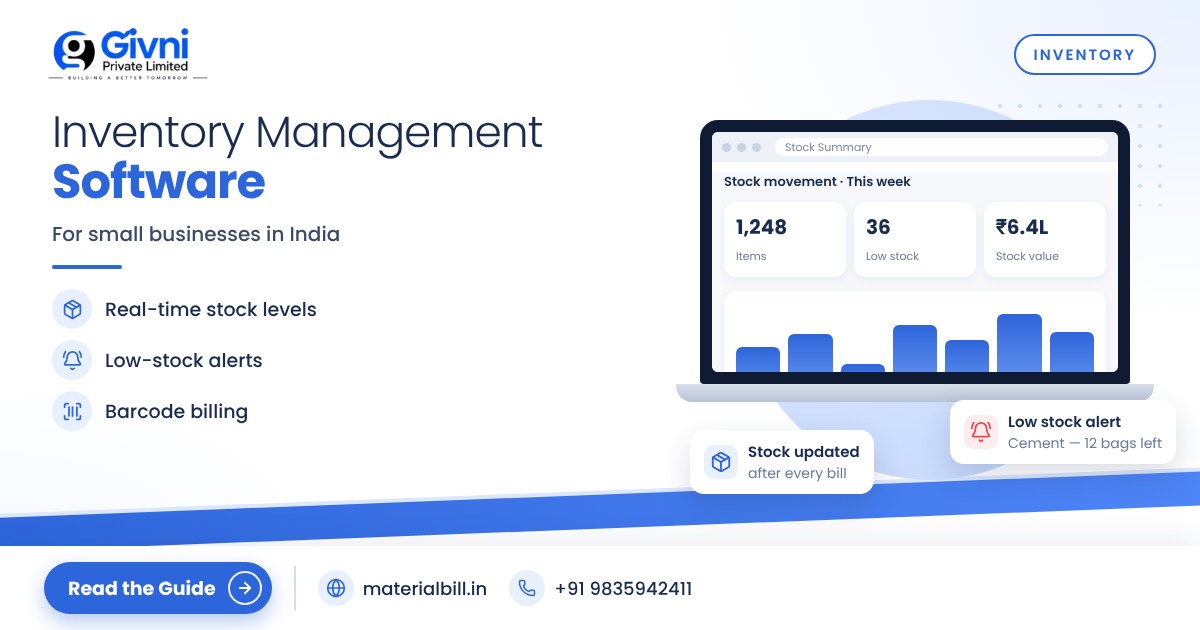
Walk into any busy dukaan in India around Diwali and you will see the same scene: the owner is billing at the counter, a helper is searching the godown for a carton that "should be there", and a customer is waiting while someone checks whether the last piece has already gone. Most of the time the stock register says one thing and the shelf says another. This is the gap that inventory management software fills for a small business. It does not replace your experience of the market. It simply gives you a correct number for every item, every day, without counting by hand.
This guide explains how stock management works for small shops and traders in India, how a paper stock register compares with software, and which features actually matter: low-stock alerts, barcode billing, reorder levels and stock reports. At the end there is a simple checklist you can follow to make the switch.
What inventory management software does for a small business
At its core, inventory software keeps a running count of every product you sell. When you buy stock, the quantity goes up. When you make a bill, the quantity goes down automatically. Because billing and stock sit in the same system, you never have to update two books.
For a small business this means a few practical things:
- You know what is in hand without walking to the godown.
- You know what is running out before a customer asks for it.
- You know what is not moving, so money is not stuck in dead stock.
- You know your margins, because purchase price and sale price are recorded together.
A kirana, hardware shop, medical store or distributor needs a simple tool that works on a phone or a counter PC and is quick enough to use while customers are waiting.
Stock register vs software: an honest comparison
Many shop owners have kept a stock register for years and it has served them well. The question is not whether the register "works" but how much time and money it costs you as the business grows.
| Point | Paper stock register | Inventory software |
|---|---|---|
| Updating stock | Manual entry after every purchase and sale | Updates automatically when you bill or record a purchase |
| Accuracy | Depends on discipline; errors pile up | Accurate as long as every sale is billed |
| Finding an item's balance | Flip pages, add and subtract | Search by name or scan barcode |
| Low-stock warning | Only when you notice the shelf is empty | Alert when quantity falls below a set level |
| Reports | Hours of calculation at month-end | Sales, stock and profit reports in a few taps |
| Safety | Can be lost, torn or damaged | Cloud backup if the software offers it |
| Cost | Very low | Free to a few hundred rupees a month for small shops |
A register is fine for a shop with a few dozen items and one person handling everything. Once you have hundreds of SKUs, staff at the counter, or credit customers, the hidden cost of mistakes is usually much higher than the cost of software.
Key features to look for
Real-time stock tracking
Stock should update the moment a bill is saved. If you have to "sync" or post entries separately, staff will skip it on busy days and your numbers will drift again.
Low-stock alerts and reorder levels
A reorder level is the minimum quantity you want on the shelf before you place a fresh order. For a fast-moving item like a popular brand of oil or a common size of PVC pipe, you might set it high. For a slow item, a few pieces may be enough. Good software lets you set this level item by item and shows an alert when stock falls below it. This one feature alone prevents most "sorry, out of stock" moments.
A simple way to set a reorder level: look at how many units you sell in a normal week, multiply by the number of weeks your supplier usually takes to deliver, and add a small safety cushion for festival rush or delays.
Barcode billing
Barcode scanning speeds up the counter and removes typing errors. Most packaged goods already carry a barcode. You scan it once to link it with the product in your software, and from then on billing is a single scan. For items without a barcode, search by name or short code still works.
Stock history
Stock history shows every movement of an item: purchases, sales, and adjustments. When a number does not match the shelf, history tells you where the gap started. This is very useful for catching billing mistakes or pilferage early.
Reports you will actually use
The useful ones for a small business are a stock summary (what you have and its value), daily and monthly sales, and profit margin by item. Export to Excel or CSV is helpful when you want to share data with your CA or do your own analysis.
Step-by-step: moving from a stock register to software
- Pick a quiet day for the opening count. A Sunday or a slow afternoon works. Count physical stock item by item. This becomes your opening stock.
- Prepare an Excel sheet. Columns for item name, unit (pcs, kg, box, litre), purchase price, sale price, GST rate and HSN code if you are registered, and opening quantity.
- Import the sheet into the software. Check a few items manually after import to make sure prices and quantities came through correctly.
- Set reorder levels for your top 50 items first. You do not need to do every item on day one. Start with the products that sell fastest.
- Link barcodes for packaged items as they come up for billing. Within a few weeks most of your fast movers will be linked.
- Record every purchase. When a supplier delivers, enter the purchase so stock goes up. This step is what keeps numbers honest.
- Do a quick spot check every week. Pick ten items at random and compare the shelf with the software. Fix gaps immediately and find out why they happened.
- Review the stock summary every month. Look for items that have not moved in 60–90 days and plan a discount or stop reordering them.
Common mistakes to avoid
- Selling without a bill. If a "quick" cash sale is not billed, stock in the software will be higher than the shelf. Make it a rule that every sale goes through the system.
- Wrong units. If you buy in boxes and sell in pieces, set up units carefully so stock does not show 1 box when you actually have 12 pieces.
- Ignoring returns and damage. Record breakage, expiry or returns as adjustments, otherwise stock will look higher than it is.
How MaterialBill helps with stock management
MaterialBill billing app is a free, cloud-based GST billing software and Android app made by Givni Private Limited for Indian businesses. Billing and stock live in the same place, so every invoice reduces stock automatically.
- Real-time stock with low-stock alerts and full stock history.
- Barcode billing for faster counter work.
- Import products from Excel/CSV, so you do not have to type your entire catalogue.
- Reports for daily and monthly sales, profit margin, GST summary and stock summary, with export to Excel/CSV.
- GST invoices with CGST/SGST/IGST calculated automatically, shared on WhatsApp, SMS, email or PDF, and printed on thermal printers.
- Cloud backup, multi-device sync across phone, tablet and PC browser, offline mode, and Hindi and English.
You can see the full list on the MaterialBill features page. The free plan covers 30 GST bills a month along with udhaar khata and party management, with no credit card needed. At the time of writing, stock management is listed as part of the Premium plan (₹1,999/month, unlimited invoices, 20 staff logins), and yearly billing saves 20%. Compare plans on the pricing page before you decide.
FAQs
Do I need inventory management software if I already have billing software?
Only if the billing software does not track stock. The ideal setup is one tool where every bill reduces stock automatically, so you are not maintaining two systems.
Can I manage stock on a mobile phone?
Yes. Many small businesses run billing and stock entirely from an Android phone. Cloud sync lets you check the same data later from a PC browser or tablet.
What is a good reorder level for my shop?
Start with weekly sales multiplied by supplier delivery time in weeks, plus a small buffer. Review it every few months, and raise it before festival seasons when demand jumps.
Is barcode scanning necessary for a small shop?
Not necessary, but very helpful if you sell packaged goods. It cuts billing time and typing errors. For loose or unbranded items, search by name works fine.
How often should I do a physical stock count?
A full count once or twice a year is common, with small weekly spot checks of a few items. If the spot checks match, you can trust the software numbers between full counts.
Conclusion
Good stock management is not about fancy dashboards. It is about knowing what you have, what is running low and what is not selling, without spending your evenings on a register. Inventory management software built into your billing does this quietly in the background. Start with your fastest-selling items, keep every sale billed, and the numbers will look after themselves.
Try the free GST billing software from MaterialBill today. If you want help setting up your products or stock, call or WhatsApp the team on +91 98359 42411 or write to support@materialbill.in.
